
 Contacto
 Como comprar
Entrega
Guia de compras
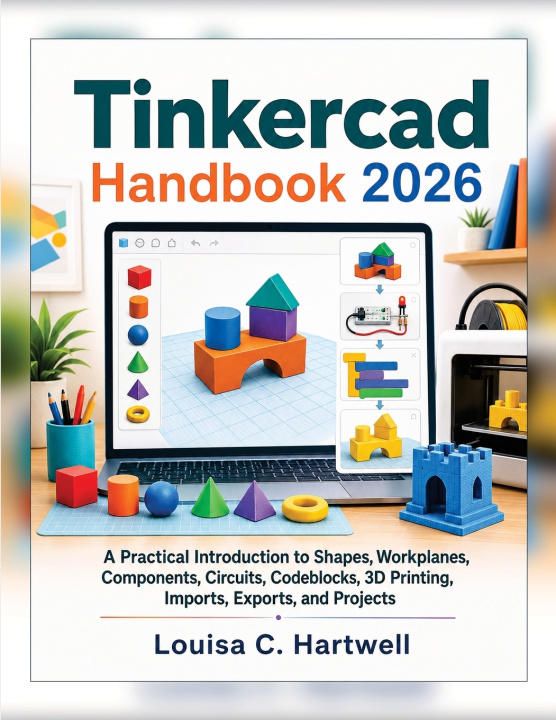
TinkerCad Handbook 2026
A Practical Introduction to Shapes, Workplanes, Components, Circuits, Codeblocks, 3D Printing, Imports, Exports, and Projects
 Inglês
 47 b
47 b
 Novo
Novo
Até 30 dias para devoluções

Three workspaces. One maker mindset.
In Tinkercad, a shape can become a printable object, a set of components can become a working circuit simulation, and a few blocks of logic can generate a design that would be tedious to build by hand.
Tinkercad Handbook 2026 shows you how to move between those possibilities with purpose.
Rather than teaching tools as isolated buttons, this practical guide follows the way real projects develop: build an idea, measure it, test it, correct it, prepare it for the next stage, and learn from the result.
Inside the Handbook:Shape and refine 3D models using alignment, grouping, holes, duplication, dimensions, and controlled placement.
Use workplanes and measurement tools to position parts accurately instead of relying on visual guesswork.
Explore components and simulated circuits so connections and behavior can be checked before moving to physical hardware.
Build with Codeblocks using sequences, repetition, and variables to create patterns and adaptable forms.
Prepare models for 3D printing with greater attention to scale, fit, clearances, orientation, and practical manufacturability.
Bring outside elements into a design through supported imports, then resize, position, and combine them cleanly with your own work.
Choose the right export path for printing, sharing, or continued development with a clearer idea of what the next tool or machine needs.
Complete purposeful projects that bring modeling, electronics, coding, and fabrication skills together rather than practicing features without a destination.
The handbook also develops habits that matter beyond one web application: measure before changing dimensions, test before rebuilding, duplicate before repeating manual work, and decide what an object must do before adding decoration.
That makes it useful for first-time CAD learners, makers, hobbyists, students, and educators who want to understand not only how a tool works, but how a design becomes more accurate, more testable, and more useful.
You do not have to begin with an elaborate invention.
Start with one shape. Make it fit. Add another. Test the idea. Export something real. Then return to the workplane knowing more than you did before.
Turn the blank grid into a workshop for ideas-and start building designs that can move from screen to simulation to finished project with intention.
Tinkercad, Autodesk, and related names and marks are trademarks or property of Autodesk, Inc. or their respective owners. This independent educational publication is not affiliated with, authorized by, sponsored by, or endorsed by Autodesk. Product names are used solely for identification and educational reference. Features and interfaces may change as the web application is updated; consult official documentation for current functionality.


Sobre o livro
Inglês

Ofereça este livro hoje
É fácil
1 Adicione ao carrinho e escolha Entregar como presente ao finalizar a compra 2 Receberá um vale 3 O livro chegará ao endereço do destinatárioOlá! Sou o Libroamiko, o seu conselheiro de livros.
Como posso ajudar?