
 Contacto
 Como comprar
Entrega
Guia de compras
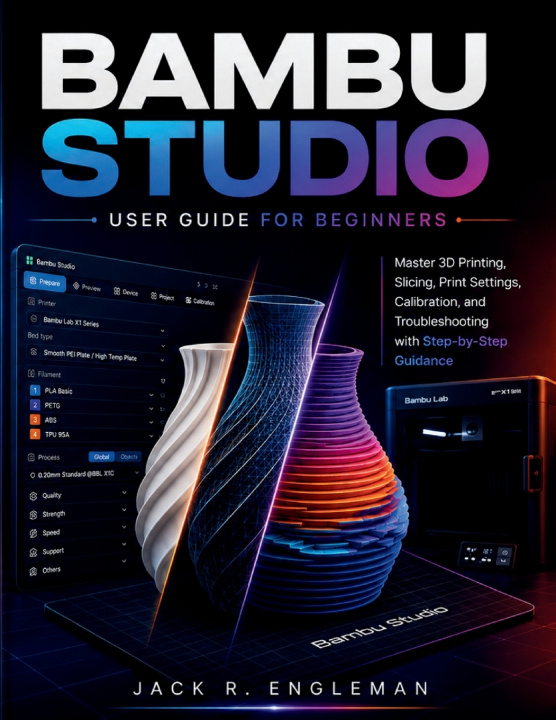
Bambu Studio User Guide for Beginners
Master 3D Printing, Slicing, Print Settings, Calibration, and Troubleshooting with Step-by-Step Guidance
 Inglês
 64 b
64 b
 Em breve
 Novo
Novo
Até 30 dias para devoluções

A successful 3D print begins long before the printer starts moving-it begins with understanding what your slicer is telling the machine to do.
Bambu Studio gives you powerful control over nearly every stage of the printing process, but for a beginner, that control can quickly become overwhelming. Printer profiles, filament presets, layer heights, walls, infill, supports, flow rates, calibration values, and dozens of other settings can leave you wondering what actually matters-and what you should change when a print doesn't turn out as expected.
Bambu Studio User Guide for Beginners provides a practical, step-by-step path from opening the software for the first time to preparing, slicing, calibrating, troubleshooting, and managing prints with confidence. Instead of simply showing you where settings are located, this guide explains what they control, how they affect your prints, and when adjusting them makes sense.
Inside this guide, you'll learn how to:
- Master the Fundamentals: Configure your printer, nozzle sizes, materials, and essential software preferences across the Prepare, Preview, Device, and Project workspaces.
- Manipulate & Orient Models: Import, scale, rotate, orient, cut, and arrange 3D models for maximum print success and minimal material waste.
- Demystify Presets & Parameters: Understand how printer, filament, and process profiles interact-and fine-tune layer height, line width, wall loops, infill, speed, and print sequence.
- Unlock Multi-Color & AMS Workflows: Work seamlessly with the Automatic Material System (AMS), assign colors, map external spools, and manage third-party filament profiles.
- Slice & Inspect Toolpaths: Preview slices, inspect G-code layer by layer, and catch potential issues before committing time and filament to a print.
- Calibrate for Precision: Step-by-step guidance to calibrate flow rate, pressure advance, nozzle temperature, and maximum volumetric speed for crisp details and smooth walls.
- Diagnose & Fix Failures: Rapidly troubleshoot stringing, warping, bed adhesion failures, under/over-extrusion, harsh overhangs, visible seams, bridging issues, and ringing.
- Leverage Advanced Features: Utilize organic tree supports, custom connectors, "by-object" sequence printing, custom presets, and long-term maintenance practices.
The book follows the same progression you'll encounter in real-world printing: prepare the model, choose the right settings, slice, inspect, print, evaluate, calibrate, and improve. It also covers printer connectivity, LAN-only and cloud-connected workflows, AMS operation, maintenance practices, and quick-reference material designed to remain useful after you've mastered the basics.
You don't need previous slicing experience to get started. The manuscript is specifically structured to take a complete beginner from the fundamentals of 3D printing and Bambu Studio through increasingly capable workflows, while allowing individual chapters to serve as references whenever you need help with a particular setting or problem.
Stop guessing at settings and start understanding what they actually do. Build the knowledge to make smarter adjustments, catch problems before printing, and produce more consistent results project after project.


Sobre o livro
Inglês

Ofereça este livro hoje
É fácil
1 Adicione ao carrinho e escolha Entregar como presente ao finalizar a compra 2 Receberá um vale 3 O livro chegará ao endereço do destinatárioOlá! Sou o Libroamiko, o seu conselheiro de livros.
Como posso ajudar?