
 Contacto
 Como comprar
Entrega
Guia de compras
 Inglês
 47 b
47 b
 Em breve
 Novo
Novo
Até 30 dias para devoluções

Turn your 3D models into print-ready projects with greater confidence.
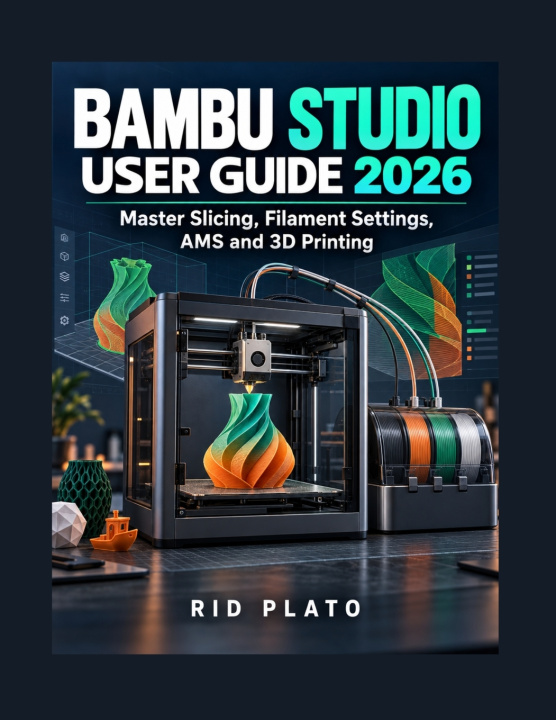
Learning Bambu Studio means understanding how model preparation, slicing settings, filament choices and printer configuration work together. Bambu Studio User Guide 2026 provides a practical introduction to that process, helping beginners build their skills and giving developing users a reference for everyday printing tasks.
From installing the software to inspecting your sliced model before printing, this guide explains the essential workflow in clear, accessible language. Discover how to choose settings that suit your project, prepare models for multicolour printing and approach common problems more systematically.
Inside, you will learn how to:
Install Bambu Studio and configure your printer, nozzle and build plate.
Navigate the Prepare, Preview and Device tabs.
Import, move, rotate, scale and arrange 3D models.
Adjust layer height, walls, infill, supports, printing speed, temperature and cooling.
Select filament profiles and understand flow-rate and flow-dynamics calibration.
Prepare multicolour projects using the Automatic Material System (AMS).
Examine sliced layers, supports and toolpaths before sending a print.
Troubleshoot common printing problems and refine your settings through testing.
Whether you are preparing your first model or looking for a clearer understanding of Bambu Studio slicing, filament settings and AMS workflows, this guide helps you make more informed decisions at each stage.
Written for beginners, hobbyists and makers, it connects essential software concepts with the practical choices involved in producing a successful print.
Build your understanding, develop a repeatable workflow and approach your next 3D-printing project with confidence.


Sobre o livro
Inglês

Ofereça este livro hoje
É fácil
1 Adicione ao carrinho e escolha Entregar como presente ao finalizar a compra 2 Receberá um vale 3 O livro chegará ao endereço do destinatárioOlá! Sou o Libroamiko, o seu conselheiro de livros.
Como posso ajudar?