
 Contacto
 Como comprar
Entrega
Guia de compras
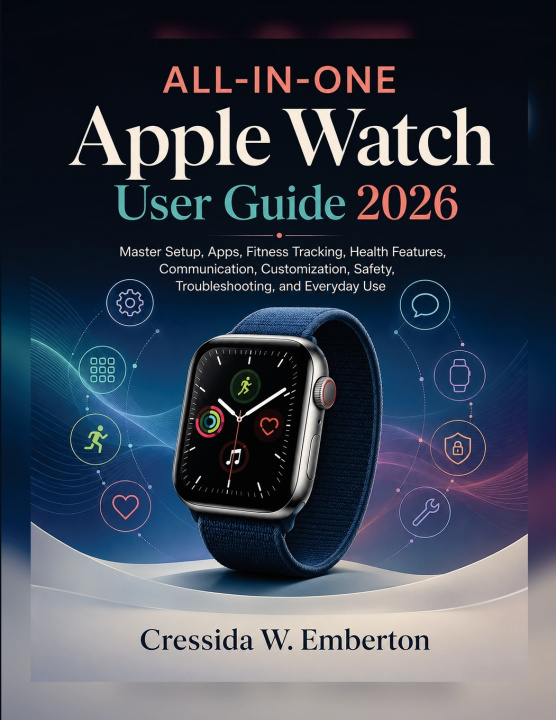
ALL-IN-ONE Apple Watch User Guide 2026
Master Setup, Apps, Fitness Tracking, Health Features, Communication, Customization, Safety, Troubleshooting, and Everyday Use
 Inglês
 47 b
47 b
 Novo
Novo
Até 30 dias para devoluções

A smartwatch earns its place on your wrist when the useful things become easy to reach at the moment you need them.
ALL-IN-ONE Apple Watch User Guide 2026 is built around that idea.
Instead of learning a collection of disconnected menus, this guide helps you understand how the watch can fit naturally into an ordinary day-from the first settings you configure in the morning to the messages, reminders, activity information, useful apps, and quick controls you may reach for hours later.
Learn how to organize the experience around what matters to you. Set up the essentials without clutter. Make watch faces and controls more useful instead of merely different. Manage notifications so your wrist does not become another source of noise. Handle calls and messages more efficiently, work with installed apps, and understand the settings that influence how the device behaves.
When movement becomes the priority, the book turns to workouts, activity information, and the health-related tools available on supported models. The aim is not simply to collect numbers, but to understand what the watch is showing you and where those readings fit into your routine.
Safety deserves the same practical treatment. Explore emergency-oriented settings, important contact information, and supported detection features while understanding why they should be configured before you ever expect to need them.
And when something stops behaving normally, you will have a structured way to investigate common problems involving connectivity, notifications, charging, applications, settings, and general operation rather than changing random options and hoping one works.
This is a reference designed to be returned to. Use it when setting up a watch, when trying something unfamiliar, when reorganizing the experience around a new routine, or when a feature you normally rely on suddenly needs attention.
Make the watch useful on your terms. Set up what matters, remove what gets in the way, and turn the device on your wrist into something you can rely on throughout the day.
Apple Watch and related Apple product and service names are trademarks of Apple Inc., registered in the U.S. and other countries and regions. This is an independent educational publication and has not been authorized, sponsored, or otherwise approved by Apple Inc. Health and safety functions vary by model, software version, region, and configuration and should not be regarded as substitutes for professional medical or emergency advice.


Sobre o livro
Inglês

Ofereça este livro hoje
É fácil
1 Adicione ao carrinho e escolha Entregar como presente ao finalizar a compra 2 Receberá um vale 3 O livro chegará ao endereço do destinatárioOlá! Sou o Libroamiko, o seu conselheiro de livros.
Como posso ajudar?