
 Contacto
 Como comprar
Entrega
Guia de compras
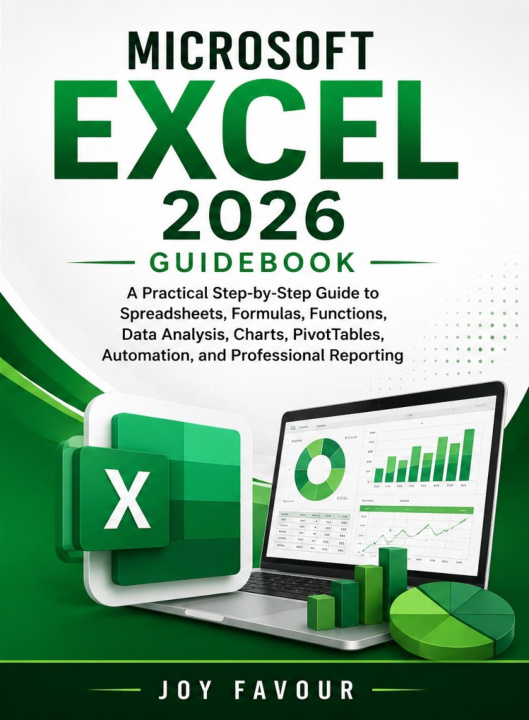
Microsoft Excel 2026 Guidebook
A Practical Step-by-Step Guide to Spreadsheets, Formulas, Functions, Data Analysis, Charts, PivotTables, Automation, and Professional Reporting
 Inglês
 22 b
22 b
 Novo
Novo

Want to become more confident and productive with Microsoft Excel?Microsoft Excel 2026 Guidebook is a practical, step-by-step resource for beginners, students, professionals, business owners, and anyone who wants to use Excel more effectively for everyday tasks, data management, analysis, and professional reporting. Instead of focusing only on basic spreadsheet operations, this guide takes you from essential Excel skills to more advanced features that can help you organize information, analyze data, create meaningful visualizations, and build efficient workflows. Inside this guide, you will learn how to: Navigate Excel and understand the modern worksheet environment Create, format, organize, and manage professional spreadsheets Enter, edit, sort, filter, and manage data efficiently Work confidently with formulas and functions Use logical, text, date, lookup, and other useful functions Analyze large sets of information and identify useful insights Create professional charts and data visualizations Build and work with PivotTables and PivotCharts Apply conditional formatting and data validation Organize information using tables and structured data Prepare professional reports and dashboards Automate repetitive tasks and improve productivity Manage and clean data for more accurate analysis Print, share, export, and present Excel work professionallyThe explanations are presented in a practical and accessible way, making the book useful whether you are learning Excel for the first time or looking to improve your existing skills. From simple spreadsheets to data analysis and professional reporting, this guide is designed to help you understand not only what Excel can do, but also how to use its tools effectively in real-world situations. Learn the tools. Work smarter. Analyze better. Create professional results with Microsoft Excel 2026.


Sobre o livro
Inglês
